For employees
Book massage through work
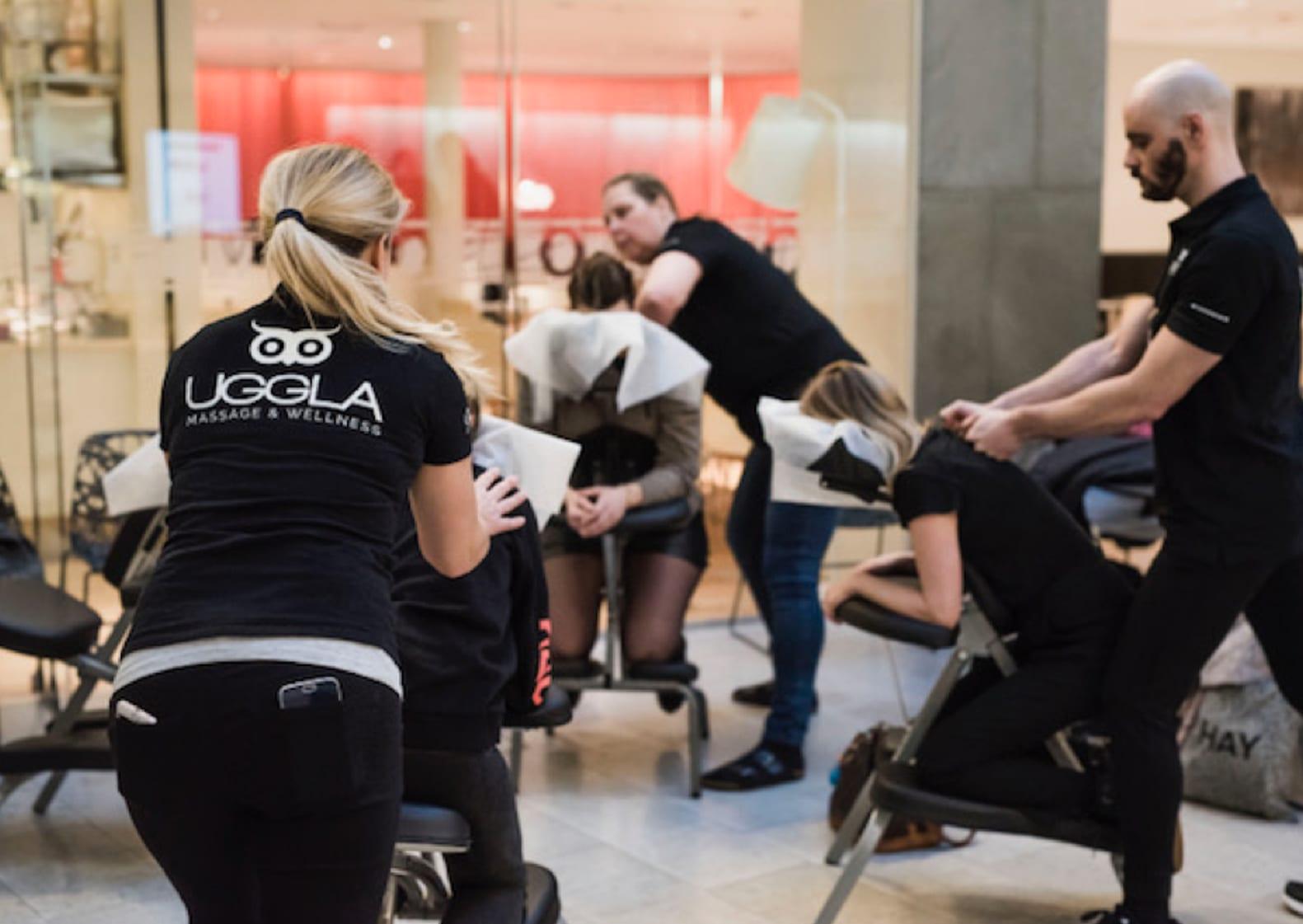
Does your employer have an agreement with Uggla? Then you book a time yourself when the therapist comes to your workplace.
First time?
- 1 Choose company
- 2 Create account
- 3 Book a time
When you create your account, you search for your employer and choose a username to log in with. If you got a link from work, use it, and your company is already chosen.
Create your account (opens in a new tab)How to book
- 1
Log in
With your username and password, or with BankID if you gave your personal identity number when you created your account.
- 2
Pick a day and time
Choose to book a treatment at work. You see the days the therapist comes, and pick a free time.
- 3
Confirm your booking
If there is anything to pay, you choose how before you confirm. You get a confirmation by email and a reminder the day before.
- 4
Come to your massage
You don’t need to bring anything. If you can’t come, cancel in time under Mina behandlingar (my treatments) or in the Uggla app.
Common questions about massage through work
I can’t find my employer when I create my account
Type the start of your company’s name in the search box and wait for the suggestions. If you still can’t find it, ask your employer how you book: some workplaces have a link of their own, and a few book on a list on site. You can also contact us.
Do I have to use my work email?
Only if your employer requires it. If so, you are told which address to use once you have chosen your company.
What does the massage cost, and how do I pay?
It depends on your employer’s agreement. Your employer can pay for the whole treatment, part of it, or a set number of treatments a month or a year. If there is anything to pay, you see the amount before you confirm, and pay in one of the ways your employer has chosen, such as by card or Epassi. We email you the receipt, and you also find it under Mina behandlingar (my treatments).
How late can I cancel?
It depends on your workplace, and is shown when you book and in your confirmation. If you cancel in time, you get back what you paid, on your card or as a credit for a new booking. If you cancel later, it is a late cancellation, which you pay for unless someone else books the time. If you don’t come at all, the treatment is charged as usual.
All times are booked. Can I join a queue?
Yes. Choose to queue for a time on the day you want a massage, and we email you if someone cancels.
I’ve forgotten my password
Choose “Glömt lösenord?” (forgotten password) when you log in, and we email you a link to choose a new one. If you can’t remember your username, contact us.
Can I use the Uggla app?
Yes. Log in with the same username and password to see your bookings, cancel and find your receipts. Create your account on the web the first time, as you can’t choose your employer in the app.
Need help with your account?
Call, email or write to us, and we will help you get started.
Contact usDoesn’t your work offer massage?
Wellness allowance
Use your wellness allowance for massage at our clinics or at an Uggla-authorised clinic anywhere in Sweden.
Corporate massage
Tell your employer about massage at the office. This is where they see how it works.